


.png)
What is UI & UX Design?
Design encompasses a wide range of subjects beyond just graphic design. When someone identifies as a designer, their day-to-day responsibilities may not be immediately clear. There are several foundational pillars that collectively support the field of design.
Design-related roles span various domains, including graphic design, textile design, interior design, fashion design, ceramic design, and print design. Additionally, the rise of tech companies specializing in screen interfaces has led to the emergence of new design roles.
Job titles like UX Developer or UI designer represent the forefront of design, but their meanings may remain unfamiliar even to designers transitioning from other industries.
Defining UI UX
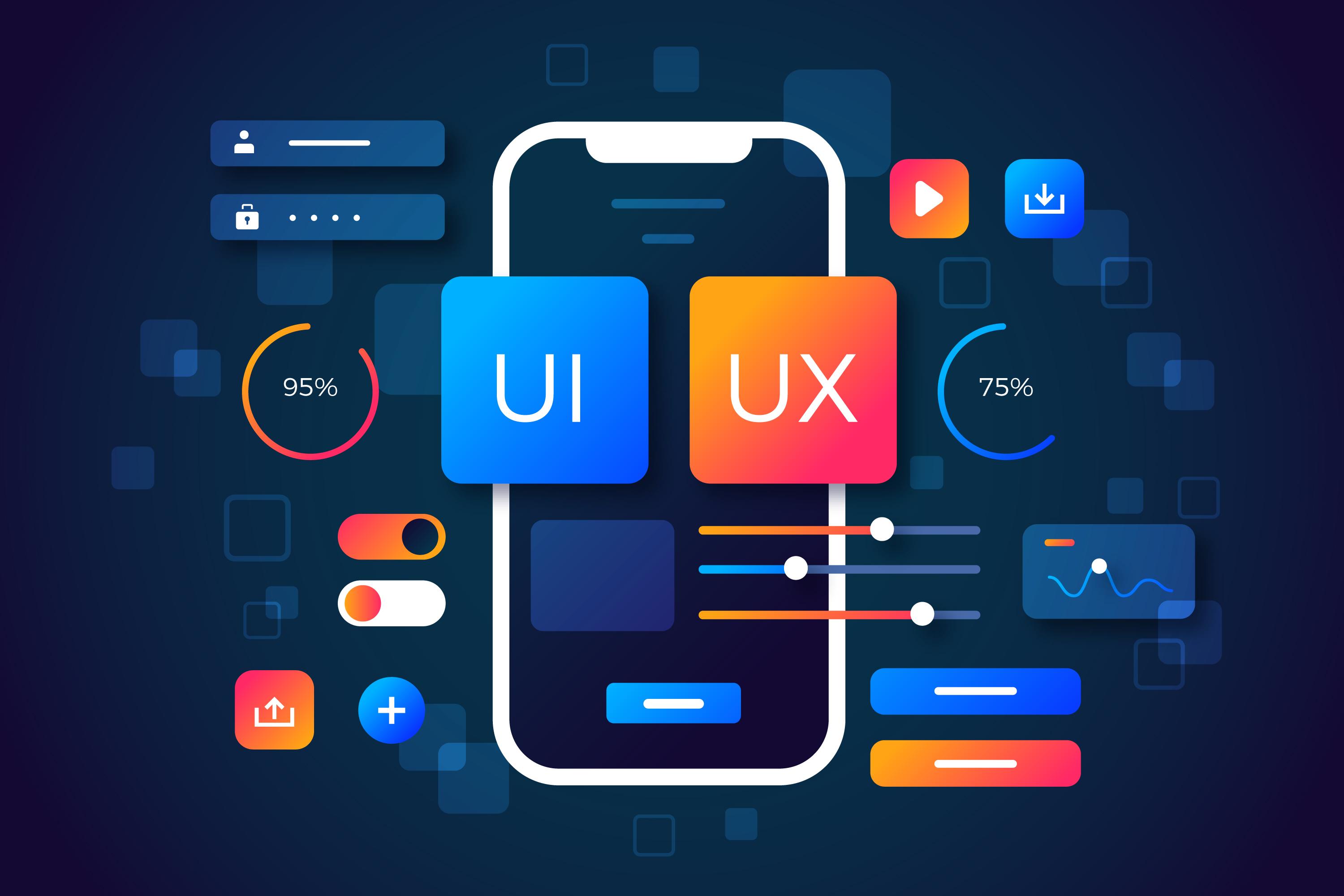
UX (user experience) design focuses on creating a positive user experience, while UI (user interface) design deals with the visual and interactive elements of an IT product. Although closely related, these roles have distinct processes and responsibilities.
UX is User Experience
UX design is still a relatively new field, and many companies are just now recognizing the importance of dedicated professionals who enhance user experiences. The confusion often stems from the term itself: ‘UX design.’ While people typically associate ‘design’ with creativity, colors, and graphics, its true essence lies in functionality and the process of creating seamless experiences for users.
At first glance, a UX designer’s role might appear mysterious (‘Wait, you don’t create graphics?’) or confusing (‘Why is the new designer conducting interviews?’). However, their primary focus is understanding user needs, improving usability, and ensuring delightful interactions with products.
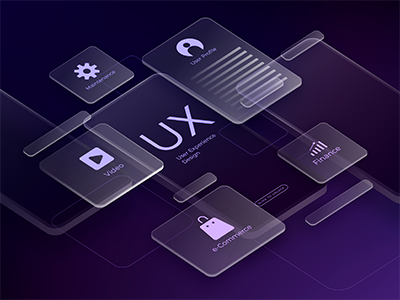
The UX design team is responsible for understanding the target customers and ensuring their experience with a product is rewarding and delightful. Prioritizing functionality, usability, and user adaptability is crucial.
While UX designers primarily focus on digital products, the principles and processes apply to various contexts. Here’s an overview of their multifaceted role:
-
Strategy and Context:
- Competitor Analysis
- Customer Analysis
- Product Structure/Strategy
- Content Development
-
Wireframing and Prototyping:
- Wireframing
- Prototyping
- Testing/Iteration
- Development Planning
-
Execution and Analytics:
- Coordination with UI/UX Designers
- Coordination with Developers
- Tracking Goals and Integration
- Analysis and Iteration
The UX role combines aspects of marketing, design, and project management. Iteration—connected to analysis or testing—underpins the entire process. Ultimately, the goal is to align business objectives with user needs.
UI is User Interface
A user interface is like a joke. If you have to explain it, it’s not that good.
While we know that a plane can be flown from its cockpit, the user experience (UX) for flying it isn’t always intuitive. The controls are often arranged in a way that makes them complex and non-obvious.

Creating a great user interface (UI) is no small feat, especially when it comes to achieving that elusive quality: intuitiveness. But why do people overwhelmingly prefer Apple phones over Samsung or other brands, even though the underlying phone experience is similar?
The Intuitive Apple Experience
In a research study, participants were asked about their preference between Samsung and Apple phones. The majority expressed a clear preference for Apple. When probed further, their immediate response was consistent: “I find the Apple phone much more intuitive.”
The interviewer, intrigued, asked for specific examples of this intuitiveness. At this point, the initial enthusiasm turned into shock, as if questioning Apple’s intuitiveness was sacrilege.
Participants struggled to articulate their reasons, offering vague explanations like “it just is,” “it just works,” or “it’s simpler.” But the truth lies deeper.
The Seamless Blend of UI and UX
Apple’s UI seamlessly merges with the overall user experience (UX). It’s so well-integrated that users hardly notice it—it just feels right. The more imperceptible the UI, the more intuitive the product becomes.
The UI Designer’s Role
As UI designers, our job encompasses various critical aspects:
Look and Feel:
- Customer Analysis: Understanding user needs and preferences.
- Design Research: Investigating trends, usability, and aesthetics.
- Branding and Graphic Development: Crafting a consistent visual identity.
- User Guides/Storyline: Guiding users through the product journey.
Responsiveness and Interactivity:
- UI Prototyping: Creating interactive mockups.
- Interactivity and Animation: Enhancing user engagement.
- Adaptation to All Device Screen Sizes: Ensuring responsiveness.
- Implementation with Developers: Collaborating to bring designs to life.
In essence, UI designers make technology easy and intuitive for people. We focus on the areas where users directly interact with the product, ensuring a seamless and delightful experience.
Remember, great UI isn’t just about aesthetics; it’s about making users feel at home with your product.
Something that looks great but is difficult to use is exemplary of great UI and poor UX. While Something very usable that looks terrible is exemplary of great UX and poor UI.
When you consider it, the common understanding isn’t entirely accurate from a user’s perspective. If either the UI or UX is subpar, the user perceives an inferior product. This implies that both UI and UX must be more than just individually good. Only when they seamlessly blend together does the product truly become exceptional.